Introducing our NEW dictionary: the Elementary Children’s Dictionary!
Our NEW Elementary Children’s Dictionary, written specifically for children in grades 3 to 5, defines words in a highly readable, full-sentence style that explains word meaning to kids. It’s full of easy-to-understand definitions for both basic and academic vocabulary, multiple meanings of headwords, and child-friendly example sentences. And it’s brimming with clear and helpful illustrations and engaging photos.
Go ahead and explore a few entries from the Elementary Dictionary and get a taste of how this exciting new resource explains meaning to kids! Here are links to “authority,” “territory,” “devote,” “sacrifice,” and “evidence,” all words taken from our list of most looked-up entries at the children’s level.
The Children’s Dictionary Suite

The addition of the Elementary Dictionary transformed the former Wordsmyth Children’s Dictionary into a dictionary suite that contains two levels:
- Elementary Dictionary for grades 3-5
- Intermediate Dictionary for grades 6-8
You can choose either level as the default for your students.
The Children’s Dictionary Suite also contains a hidden advanced level, which satisfies the needs of the most curious and advanced students. The Wordsmyth Advanced Dictionary includes over 100,000 entries. If a word is not found in either of the Children’s levels, the entry from the Advanced Dictionary will become available, regardless of the default level chosen for the Children’s Suite. Inappropriate entries for children are blocked by the Parental Filter.
For your convenience, we’ve created a number of wordlists for you to use or to just get a sense of the new Children’s Dictionary Suite. The words in these lists are derived from the most looked-up words in our original Children’s Dictionary since January of this year. These links will take you to the Activities page. Simply click “Preview” to see each list of words with their definitions. Be sure to click “Show examples” to get a richer sense of what the dictionaries offer.
Special discount on our Educational Group Subscription for school districts
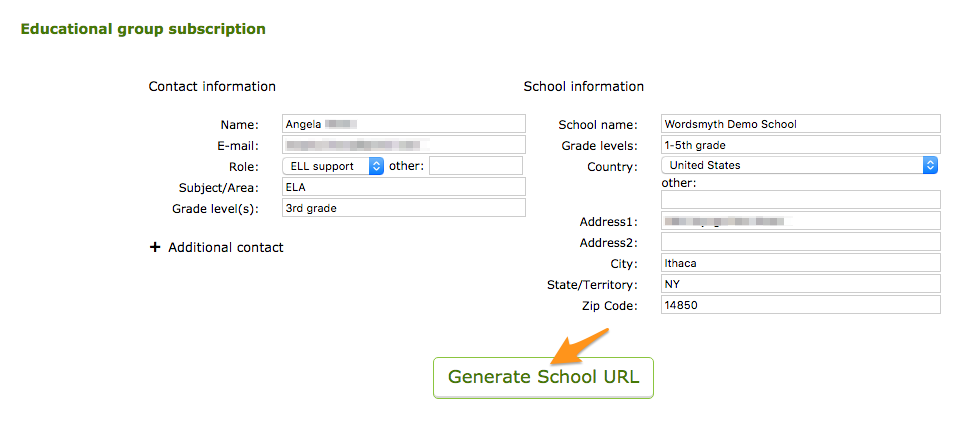
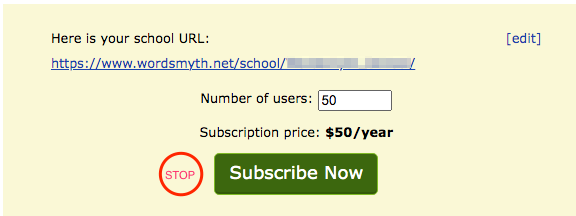
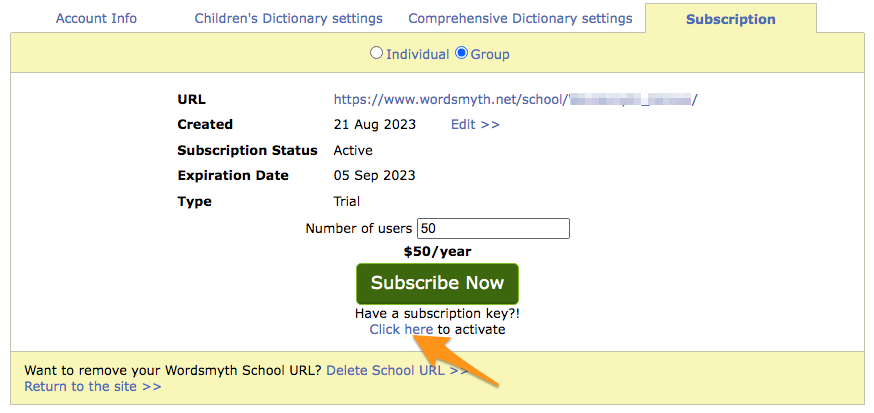
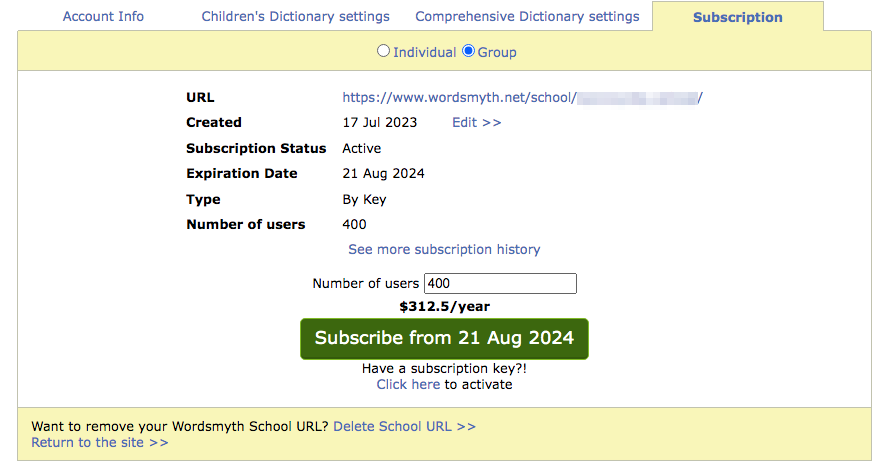
The Wordsmyth Educational Group Subscription is designed for educators to manage and interact with their students using Teacher Tools. These tools allow teachers to set up their classes, create lessons with desired wordlists, and monitor their students’ vocabulary learning.
At the beginning of this new school year, we will offer a 20% discount for all school districts in the United States having more than 1000 students. Please contact us at support@wordsmyth.net by the end of October 31 to receive this discount.
The Wordsmyth team is working hard to add more new features in accordance with our users’ requests. Please contact us with your feedback, and stay tuned for future updates!